WoW Audit is used in conjunction with Simulation Craft and your Battle.net account to help the raid officers determine loot, ensure expectations are being met and to identify areas where we can improve as a team.
Navigate to: https://wowaudit.com/us/stormrage/blood-omen
If you are not authorized, make sure that you have signed into the website with your Battle.net account. A link will show up asking if you have tried logging in.
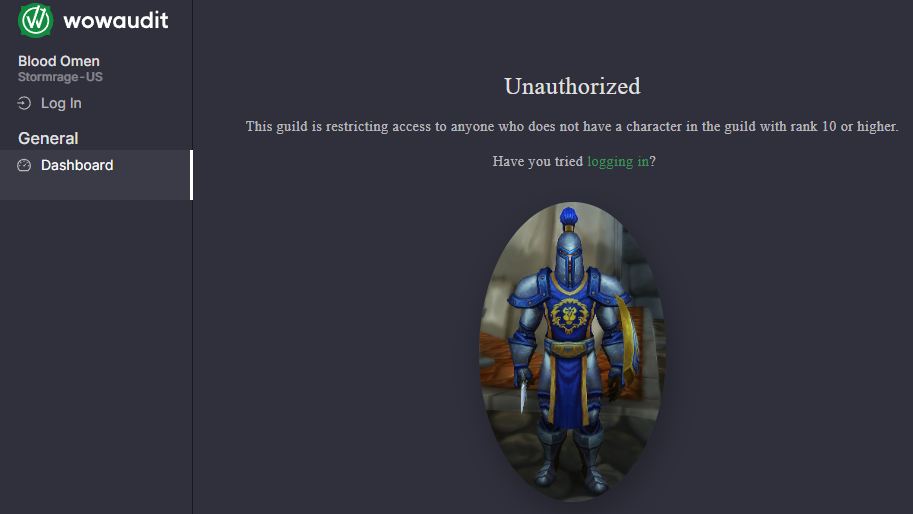
Log in with your Battle.net account. Once you are logged in, you will see the menu on the left is substantially bigger. There is a lot of information you can obtain from this page but this guide is only going to cover how to update your loot wishlist before raid.
Step 1: Wishlists
On the left menu, toward the bottom, click on “Personal”. At the top of that page, you will see a field where you can copy / paste the URL from your Character Droptimizer SIM. Don’t have that yet? Click on “Character SIMS” on the top menu of this page and follow my guide.
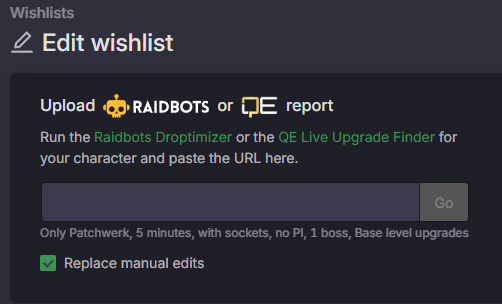
Paste the Raidbots URL into this window and click go. NOTE: You will need to do this once for the Normal SIM and again for the Heroic SIM. Make sure to do and update both before raid!!! You don’t want to miss out on loot because the loot council doesn’t know how much of an upgrade a certain piece is!
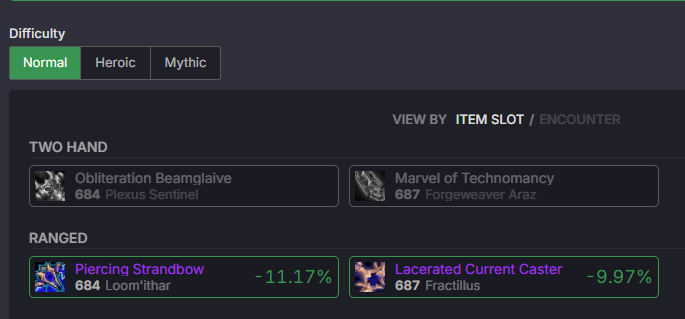
To check if your list is updated, below the field where you put your URL you can click on “Normal” and “Heroic” to see a list of items and their relative % increase (or decrease!) to your damage. If all the items are grey – it means your SIM URL is missing. You need to do this every raid day before raid starts so that the information is the most up to date.